
Login & Access
The suite, hosted on our infrastructure, is easily accessible via a web browser. Alternatively, you can deploy it on VMs, locally, or within your AWS cloud environment using a Terraform script. The setup process is documented in the respective installation archives.
Login
-
To access the web application, visit https://transformation.psyncopate.io, or use your configured URL if you’ve deployed the suite in your own environment.
-
Sign in using one of the following authentication providers:
- Microsoft
- GitHub
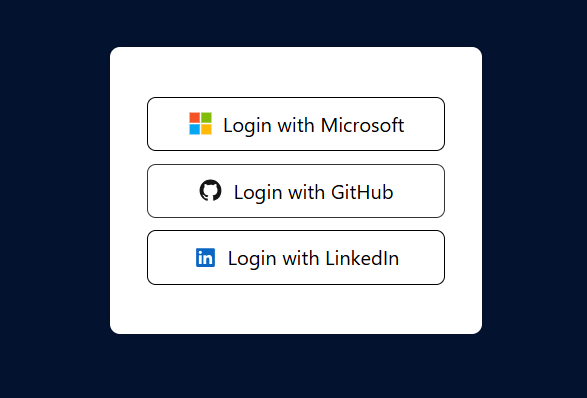
- By default, you are assigned the User role. If you require Admin or Super Admin access, please contact your organization’s Super Admin.
Access Homepage
Once you sign in successfully, you will see the homepage.
